
You can use PayPal to purchase your Huion device on our official store at store.huion.com. Follow the steps below:
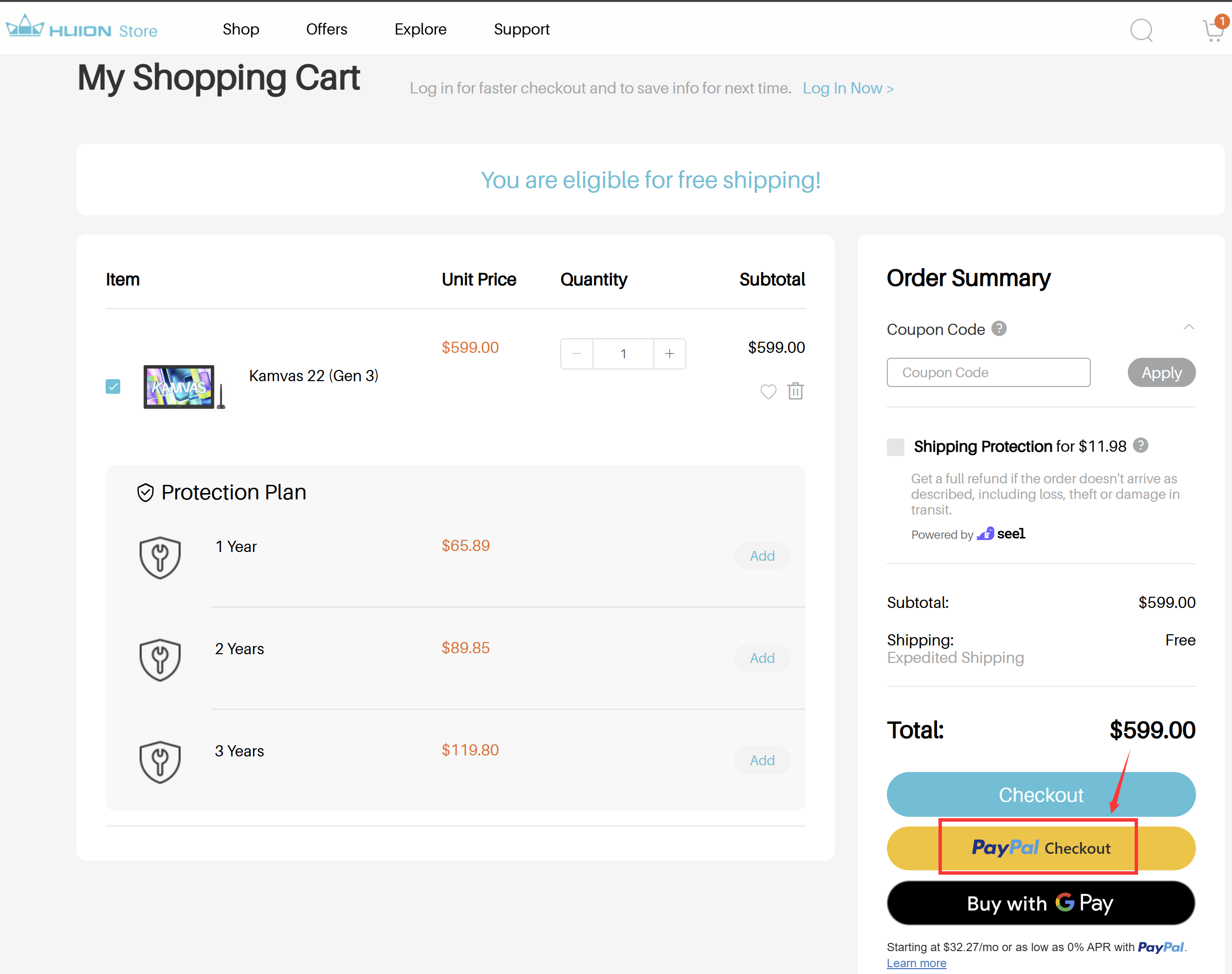
- Add your items to the cart. Review your selections and proceed when ready.
- Click "PayPal Checkout." This will redirect you to the PayPal login page.
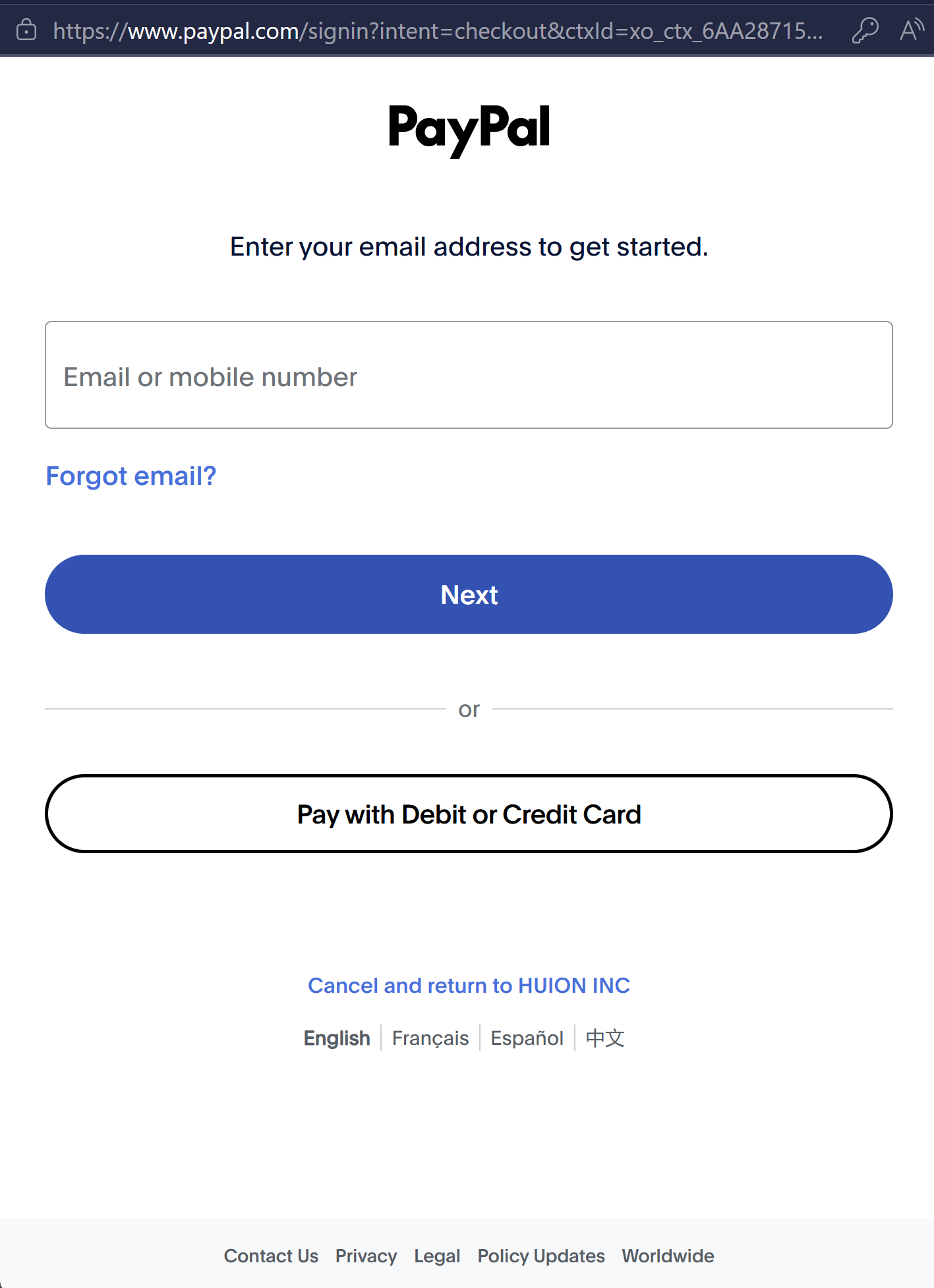
- Log in to your PayPal account. Enter your PayPal credentials to continue.
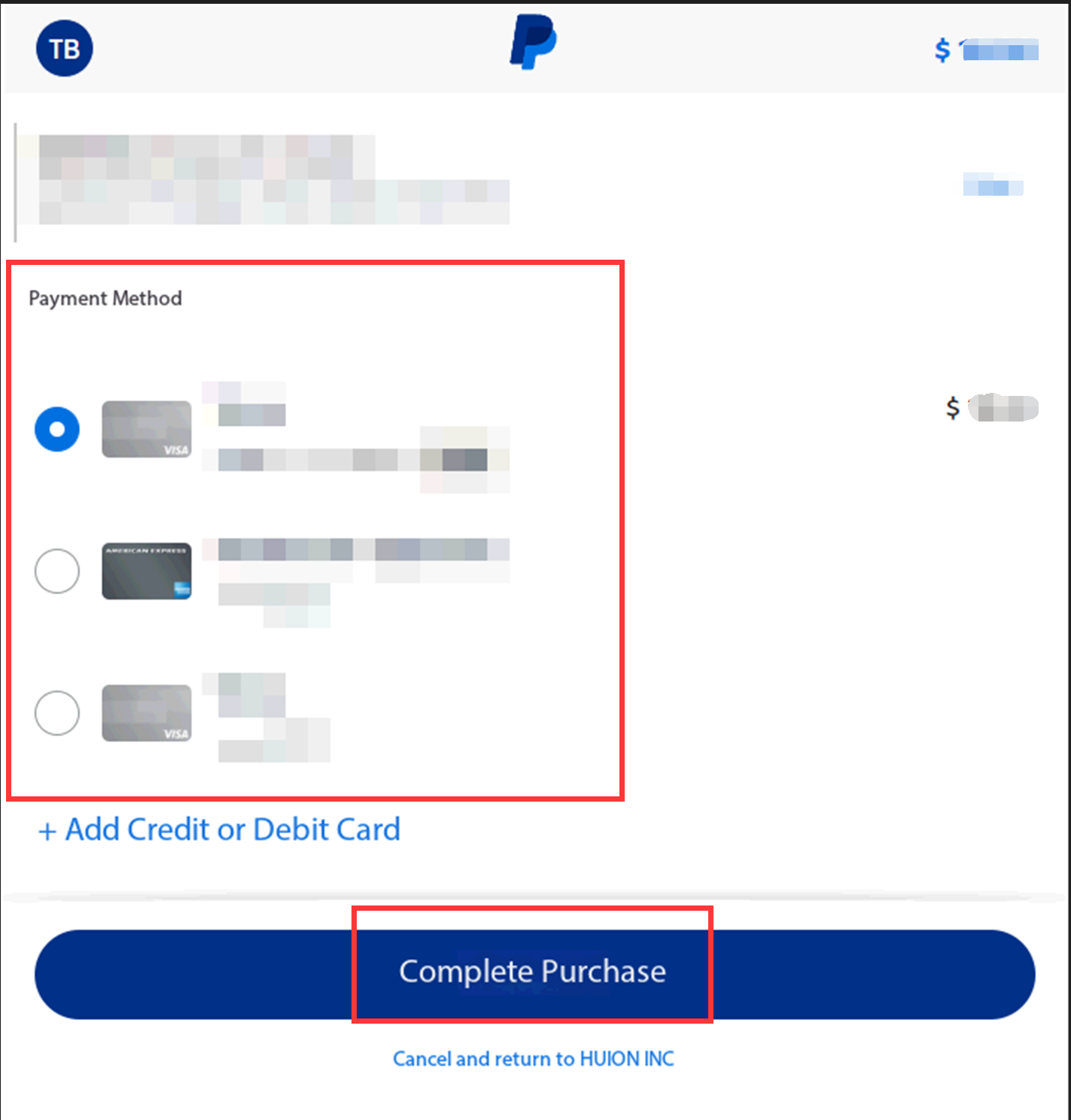
- Choose your preferred payment method in PayPal. Confirm your details and complete the transaction.
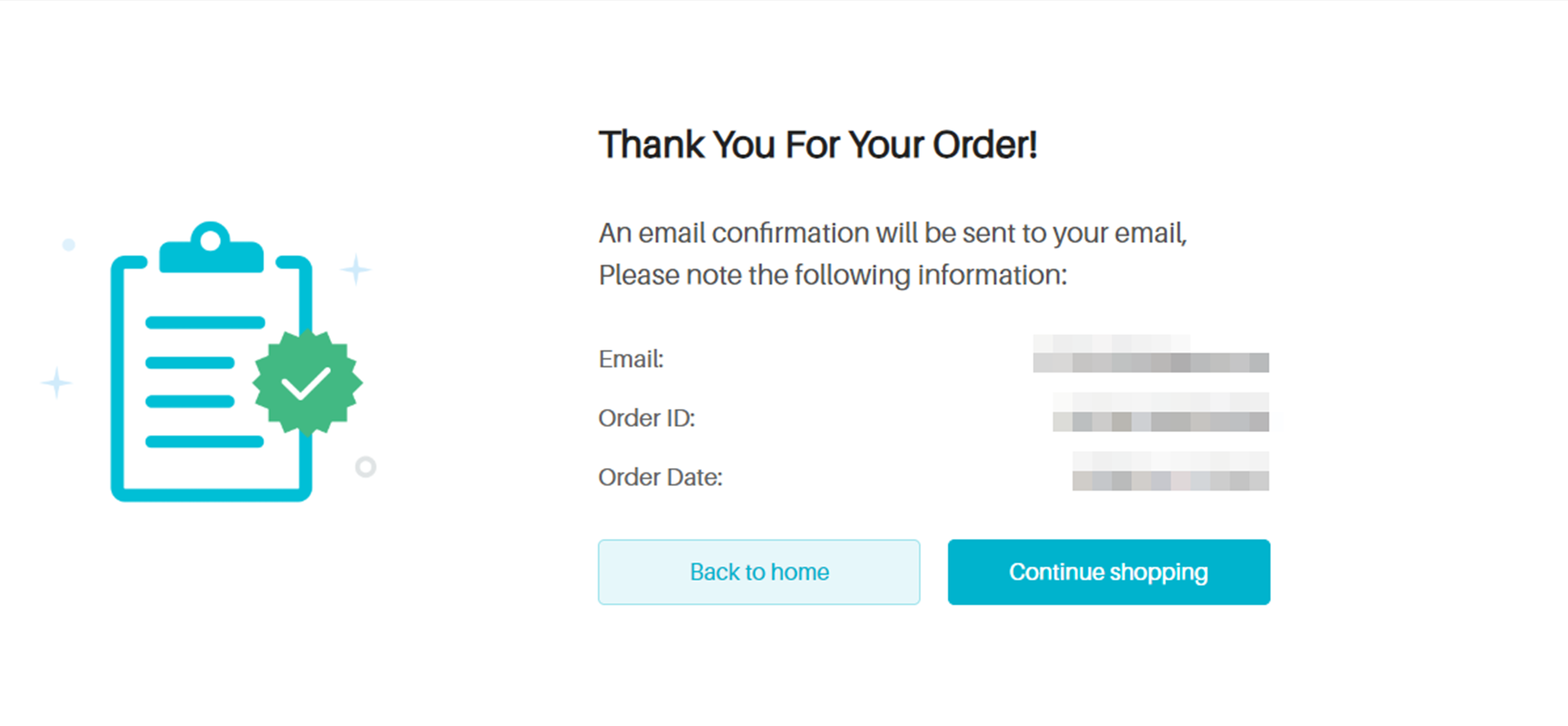
- Wait for the confirmation page. After a successful transaction, your order confirmation page will appear with your order details.
Thank you for choosing HUION!